

How to type in Russian if you don't have a Russian keyboard
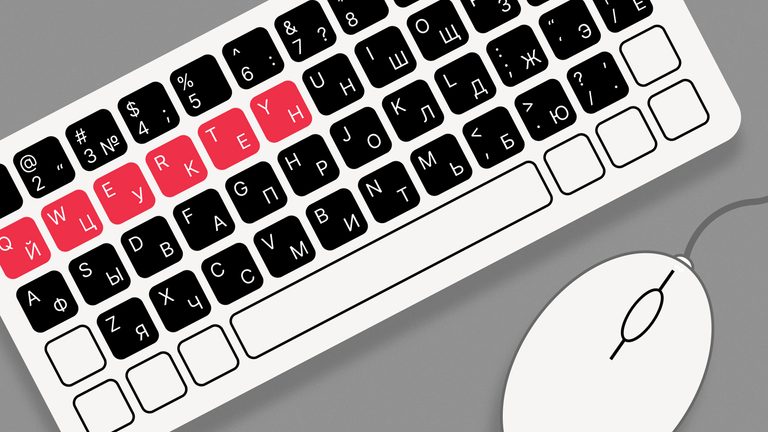
Do you want to learn Russian, but realize you don't have a Russian keyboard layout? Well, don’t worry, we’ve got some useful tips for you!
The Russian keyboard layout is called ‘ЙЦУКЕН’ (after the first six letters of the top row), similar to the English ‘QWERTY’.
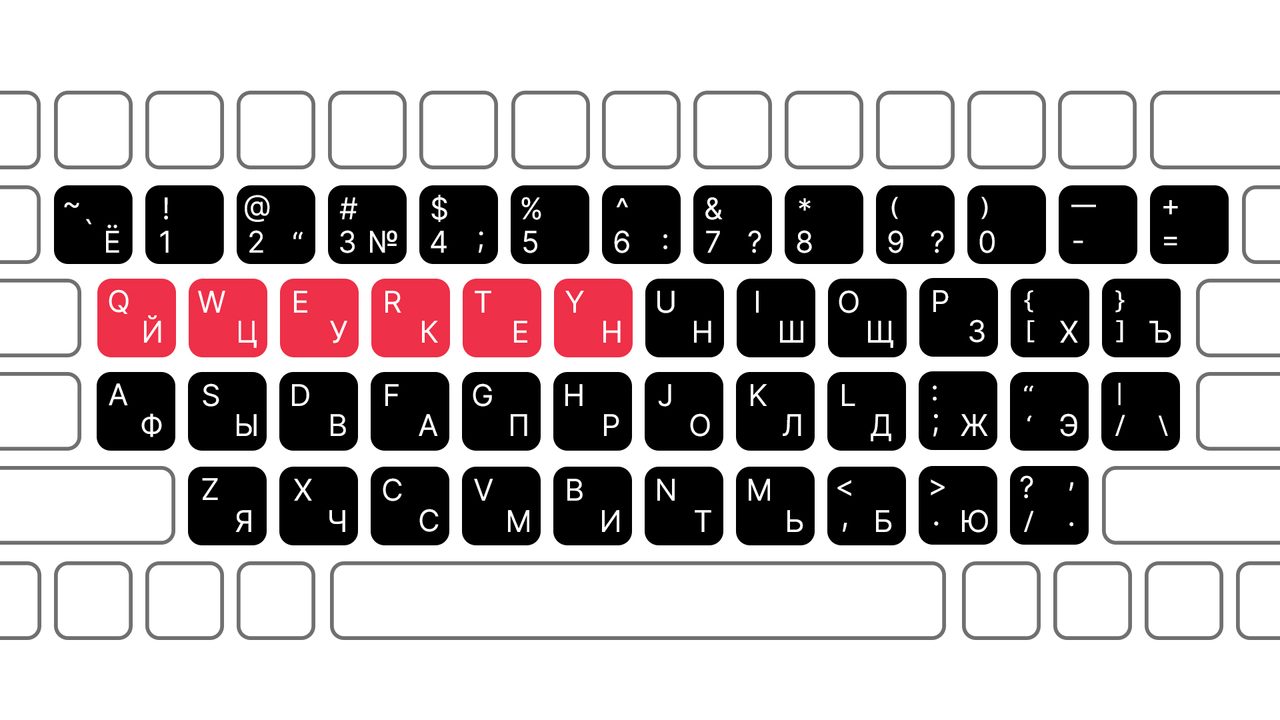
The layout prototype took shape back in the typewriter era and, by the early 20th century, already resembled the modern version. In the 1990s, the keyboard acquired its final form.
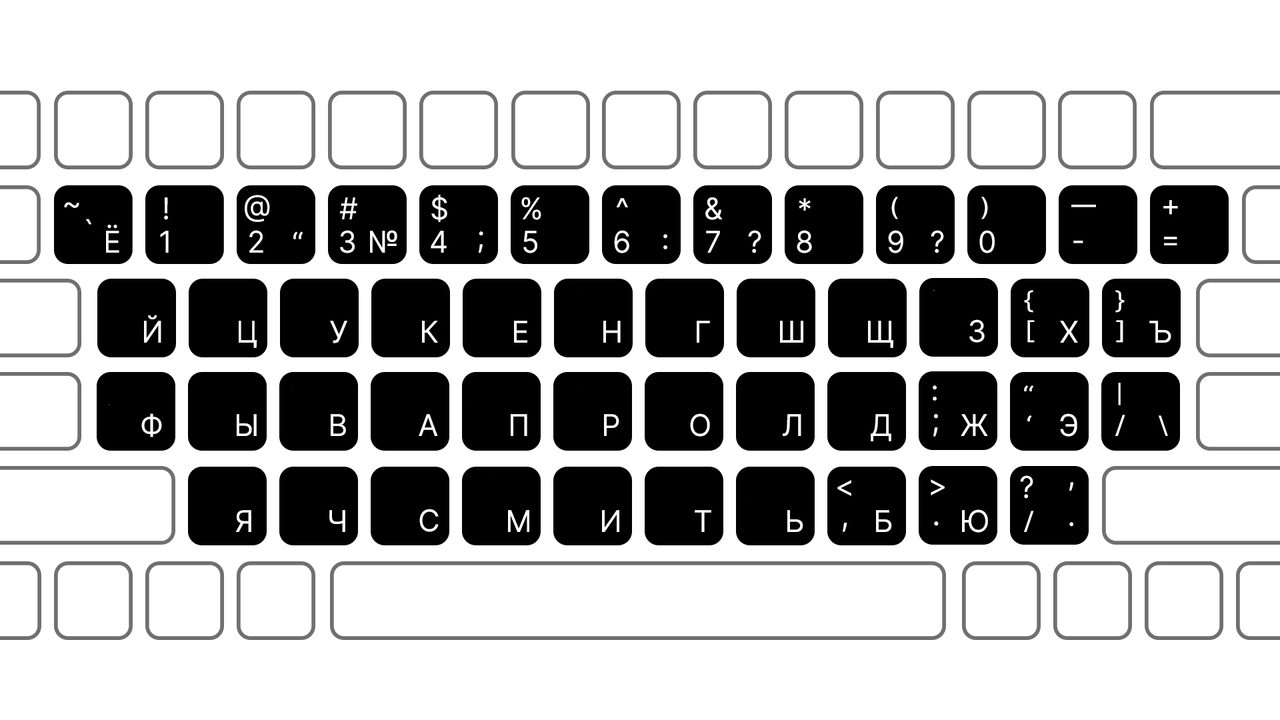
In Microsoft Windows and Apple, the layouts differ in the position of the letter ‘Ё’. Microsoft places it in the number row before the ‘1’ key (it is rarely used in writing, hence its obscure position), sharing the button with the tilde (~) and grave accent/back quote (`).
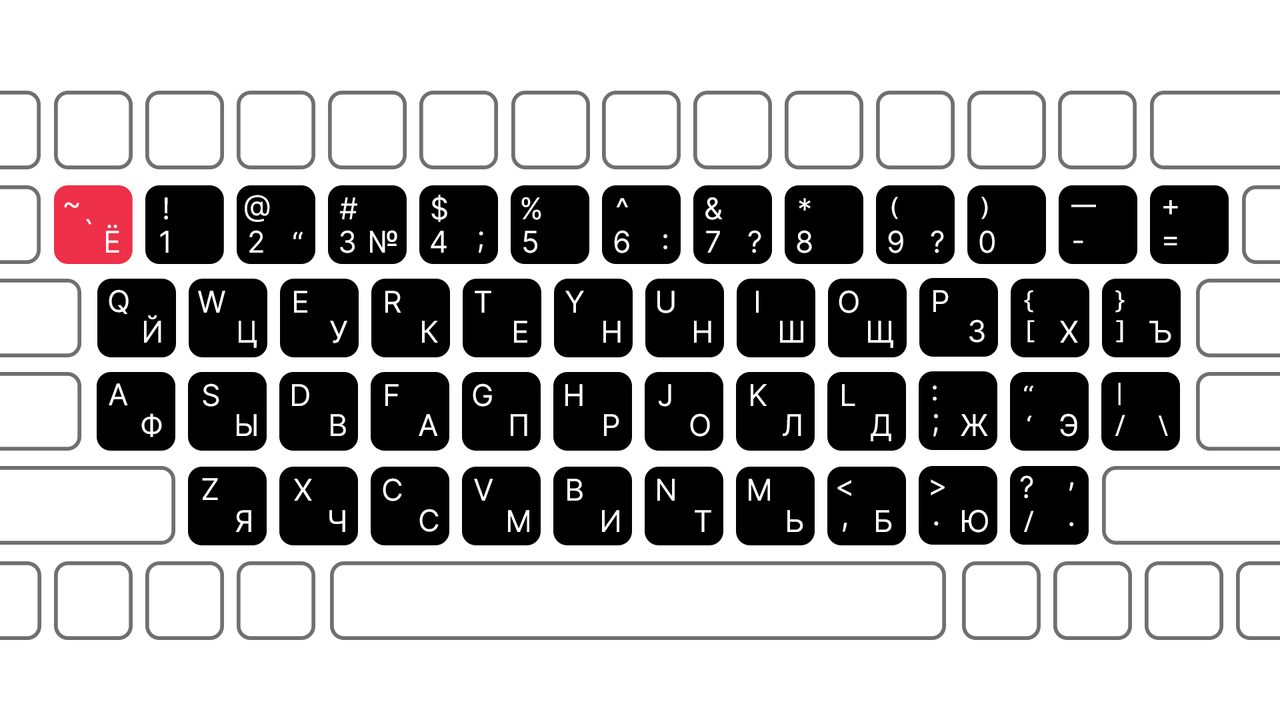
On a MAC, it’s hidden on the right side of the middle row, sharing the button with forward slash (/) and vertical bar (|).
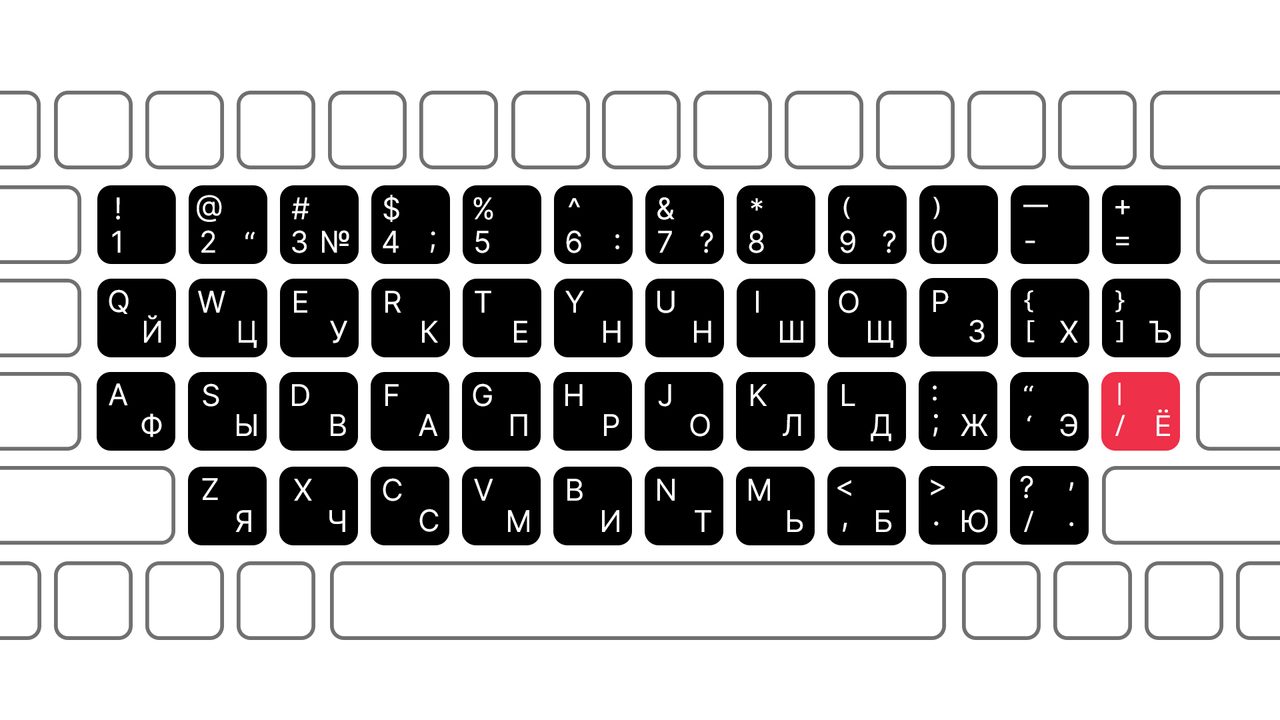
The Russian alphabet has 33 letters, so they don’t all fit onto a standard English layout and some are forced to share keys with technical symbols and punctuation marks.
If you’re learning Russian and need to type something in Russian, but don’t have a keyboard with a Russian layout handy, here are a few ways to solve the problem.
1. Use an online keyboard
Many services allow you to simply type text online. No downloads needed. You can then copy the text and paste it wherever you need. Microsoft has an option to install an onscreen keyboard. Or you can install Google Input Tools browser extension.
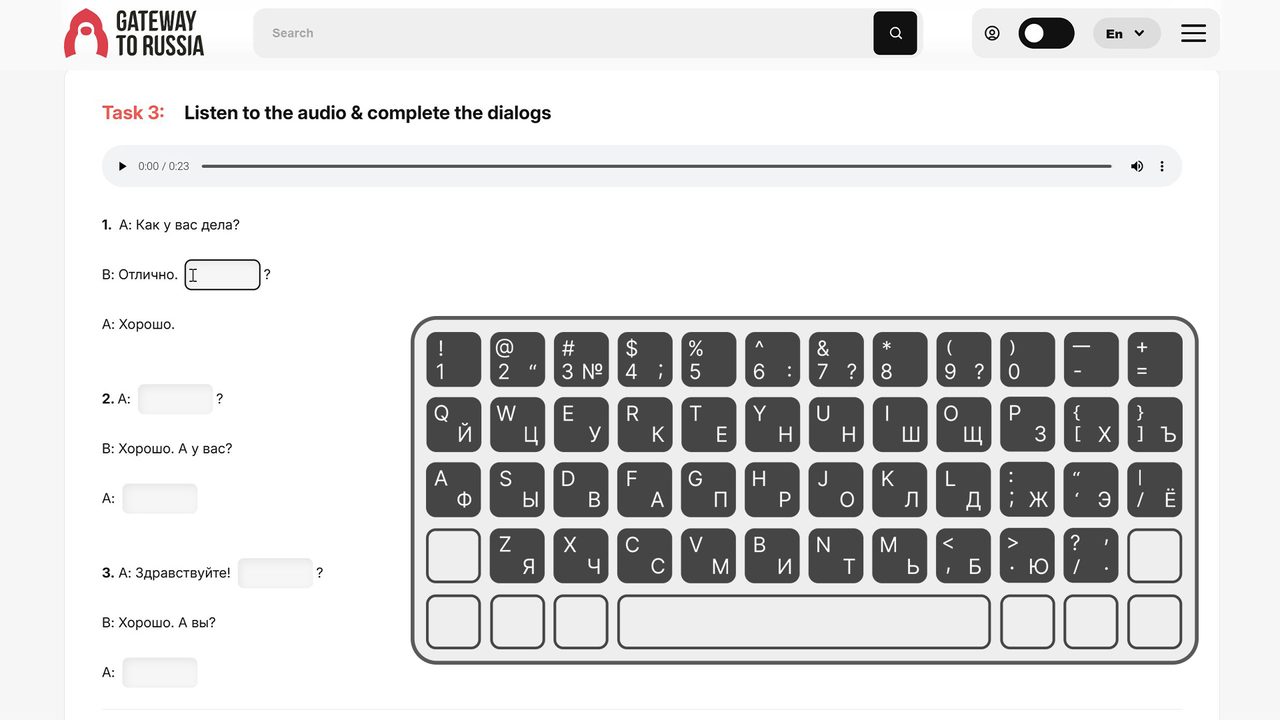
Of course, typing this way is slower than using a physical keyboard, but it’s text you write yourself, without relying on voice input or neural networks. This is especially useful for those learning Russian.
Here are a few such sites that work completely free and require no registration:
- gate2home.com
- lexilogos.com (this even includes pre-reform letters that are no longer in use)
- branah.com/russian
2. Upgrade your keyboard manually
If you’re serious about learning Russian for the long term, we recommend spending a little personal time to create a more convenient, long-lasting solution.
You can make your own stickers with Russian letters and place them on the corresponding keys (double-check using an online keyboard or the image above).
Or you can order stickers from online marketplaces. They’re inexpensive and will look neat and stylish, giving your computer a personal touch.
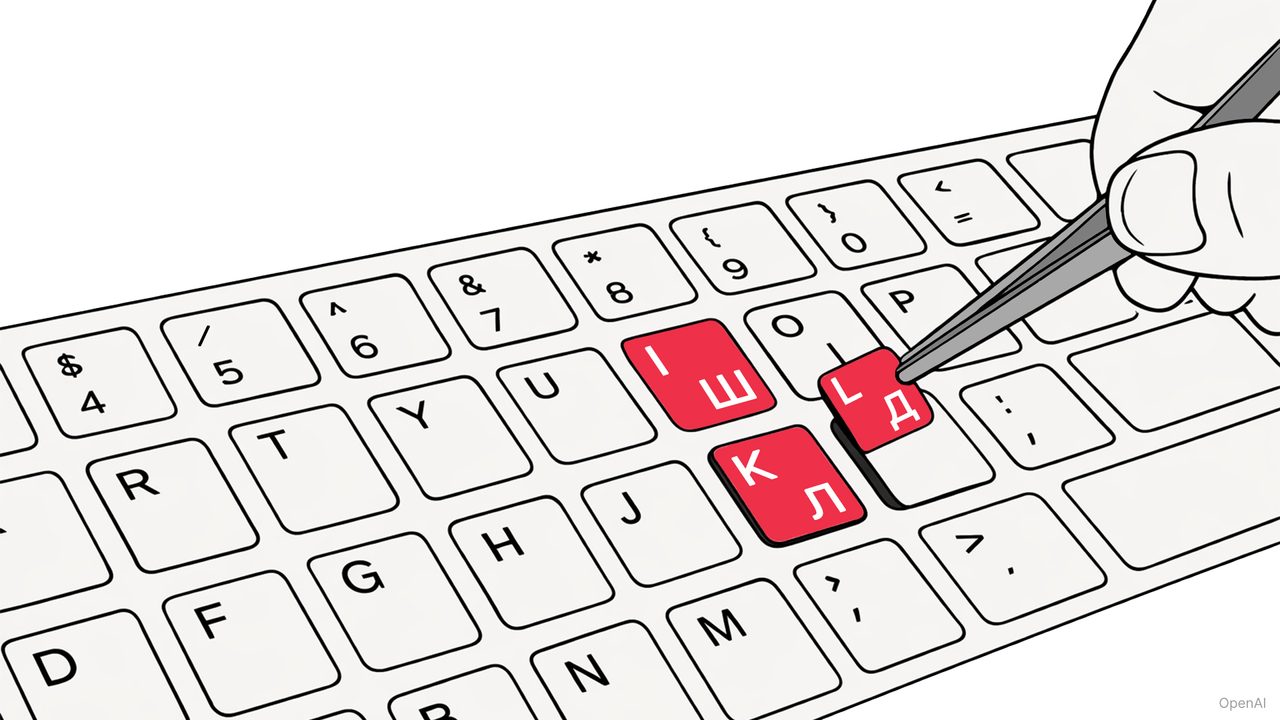
Next, you just need to add the Russian keyboard function in your computer settings, after which you will be able to toggle between English (or any other language) and Russian with just a click or keyboard prompt (SHIFT/CTRL/COMMAND + Left ALT).
3. Use transliteration
Many browsers have extensions that allow you to type Russian words in Latin letters, which are then automatically transliterated into Cyrillic. For example, Google Input Tools can transform “privet kak dela” into “привет как дела”.
You can also use websites with transliteration features (e.g., translit.cc).
However, we don’t recommend this method for those learning Russian. After all, you need to learn to write in Russian yourself.
4. Phonetic layout
For beginners, using a phonetic layout function is convenient. You type letters that sound similar and they appear on the screen in Russian: ‘A’ → ‘А’, ‘B’ → ‘Б’, ‘D’ → ‘Д’, ‘M’ → ‘М’, etc.
To do this, when adding a language on your computer, select ‘Russian Phonetic’. This is also handy for those who know how a word sounds, but don’t remember the Russian layout and don’t have time to install it.
5. Type on your smartphone!
On your phone, you can simply add a new language and switch between keyboards with one click. This gives you instant access to the Russian layout.
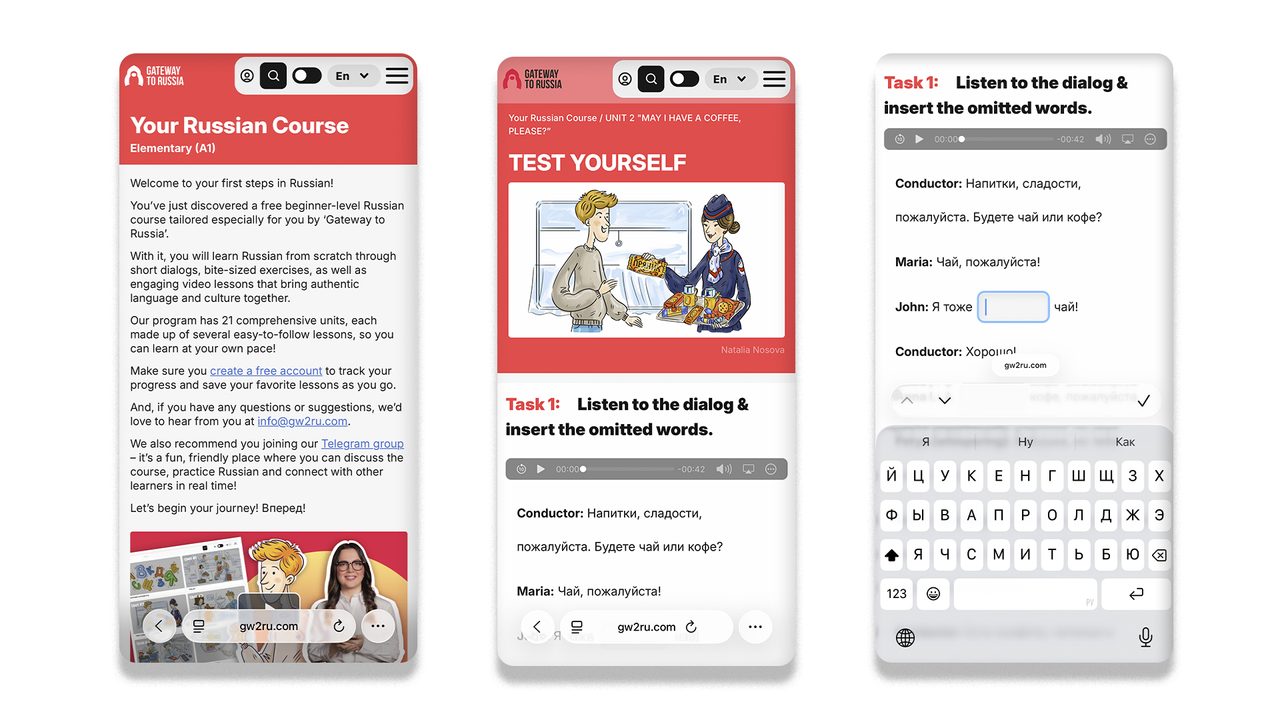
The only downside is that it’s harder to learn which English letters correspond to which Russian letters on the layout. Also, this method isn’t suitable for lengthy texts.
We invite you to start learning Russian for free online with the ‘Gateway to Russia’ Russian language course!